I’ve always liked the SOC side of things, but my practical grasp of the jargon and techniques has been thin. Time to close that gap with LetsDefend lab.
Before this lab I honestly didn’t know how to handle a SIEM alert end to end. This walkthrough will walk you through the entire flow.
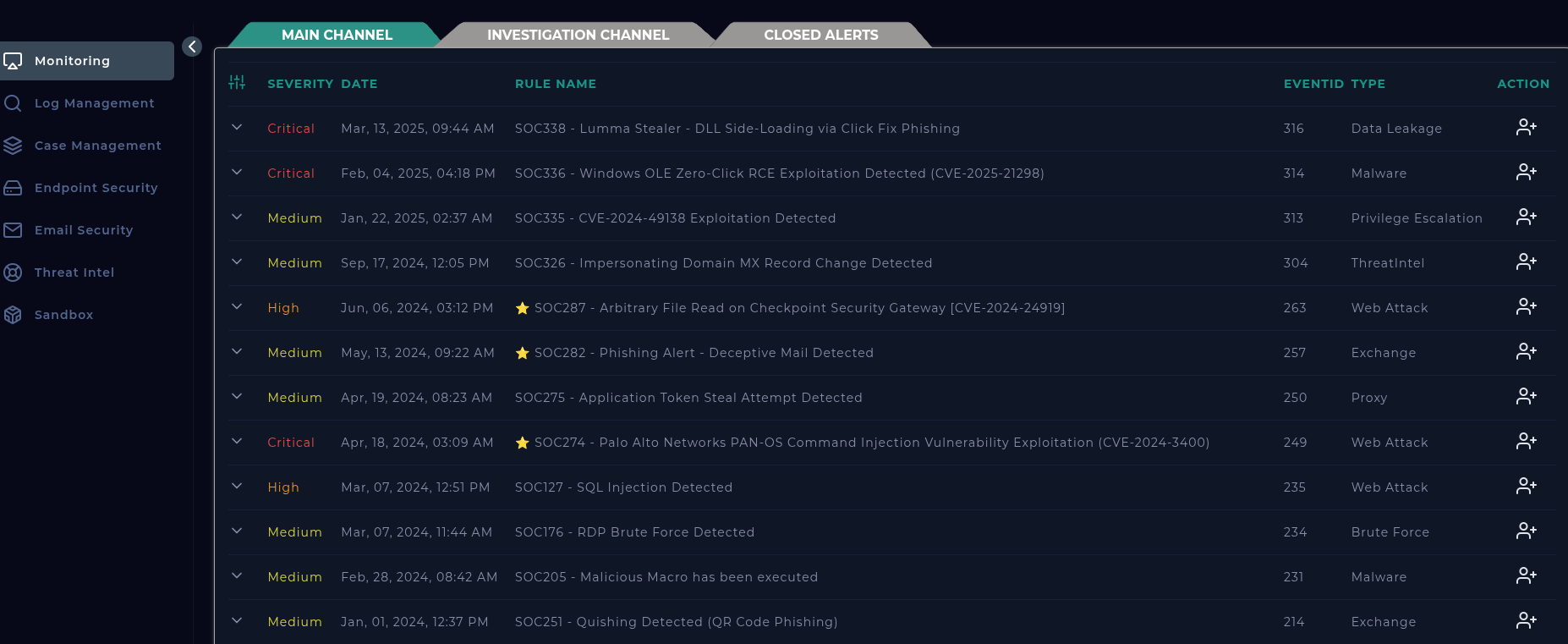
There is a Practice page serves up simulated SIEM alerts—free and perfect for hands-on drills. Let’s get into it.
SIEM (Security Information and Event Management) alerts fire when something suspicious or outright malicious happens inside the organization. The platform applies predefined rules, spots the activity, and raises the alert. Wazuh is a great open-source example if you want to explore SIEM software yourself.
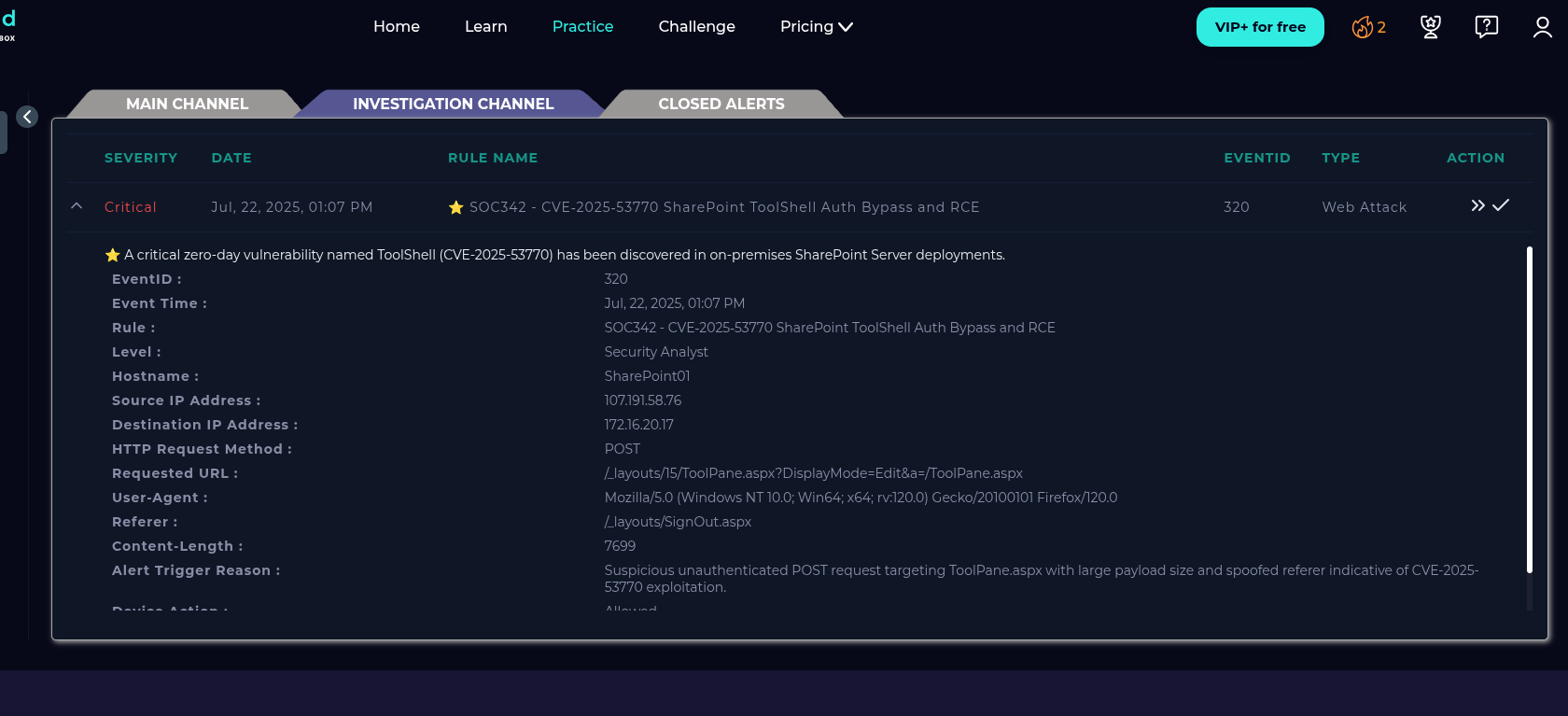
On the right, the Take Ownership button is basically you signing up to untangle that alert. Once you accept, the alert lands in your investigation channel where you can either close it outright or spin up a case.
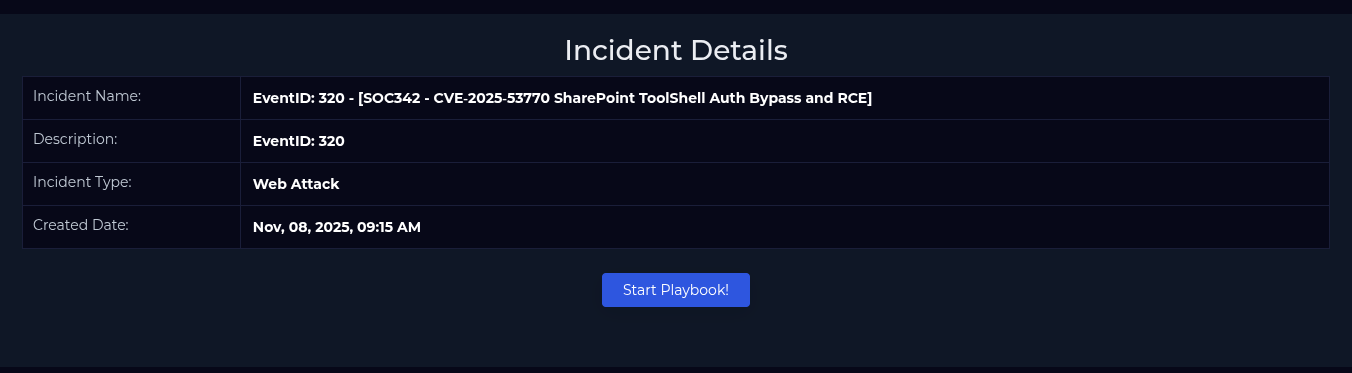
Case creation is the fun part because it unlocks a guided playbook. In this run we’re chasing the RCE vulnerability CVE‑2025‑53770.
The case walks you through a question set.
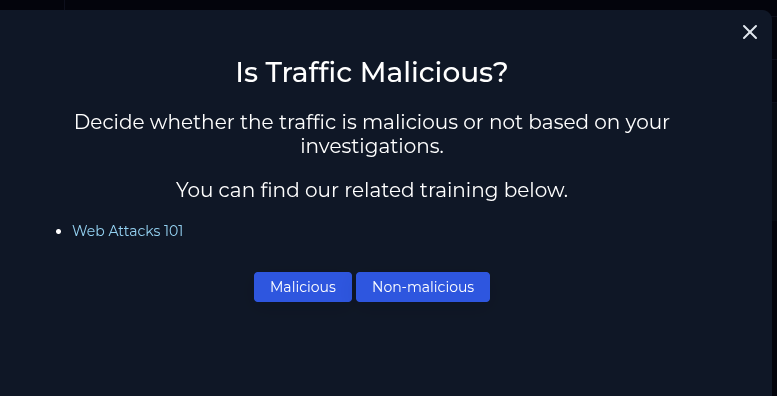
The traffic is malicious, someone is actively straining this exploit against our SharePoint setup. The investigation channel lays out the evidence.
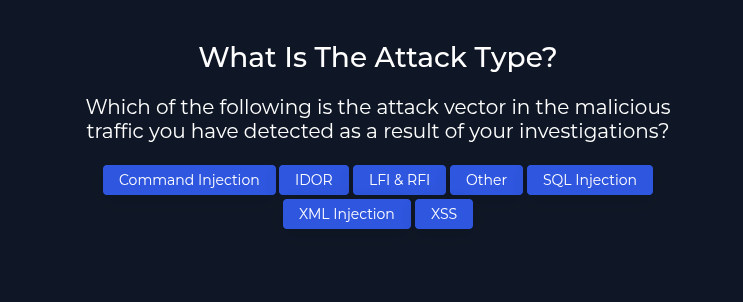
Attack type? Pick Other because this one is a straight RCE attempt.
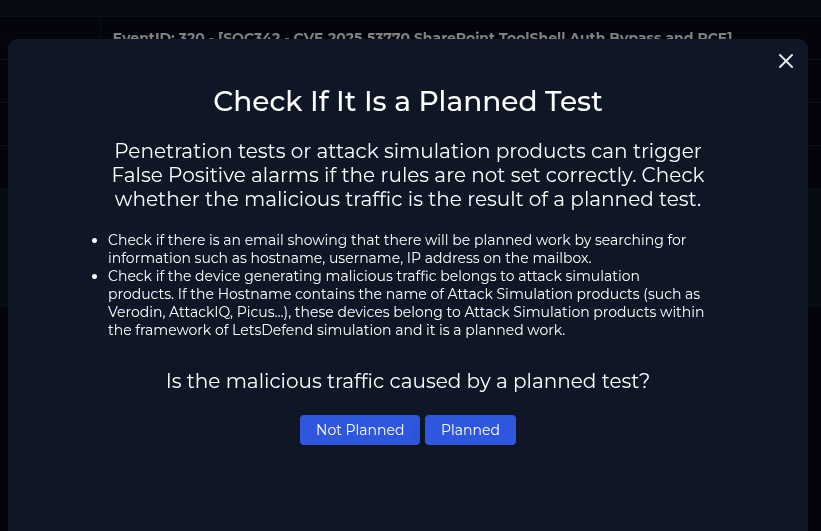
This isn’t a false positive or a simulation. Everything points to an external threat actor.
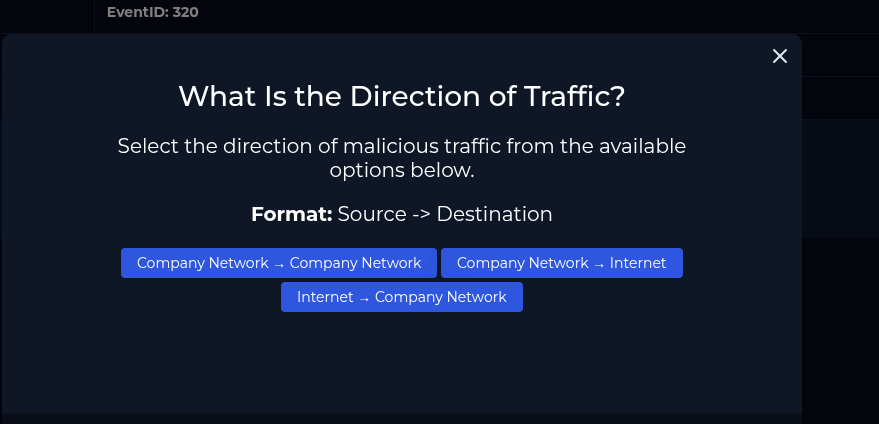
Traffic flows from the internet into the corporate network.
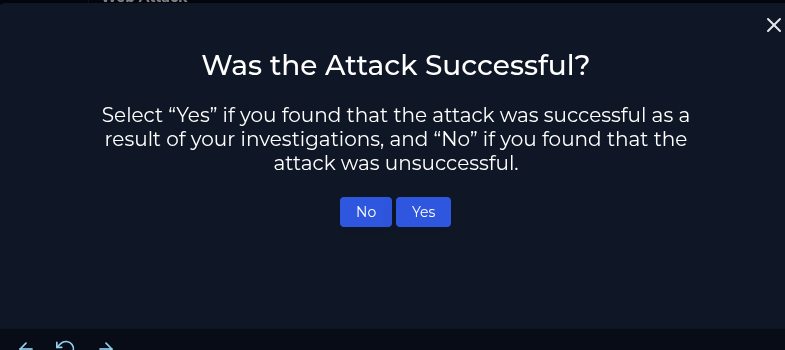
The attacker actually landed the exploit—the case flags the attack as successful.
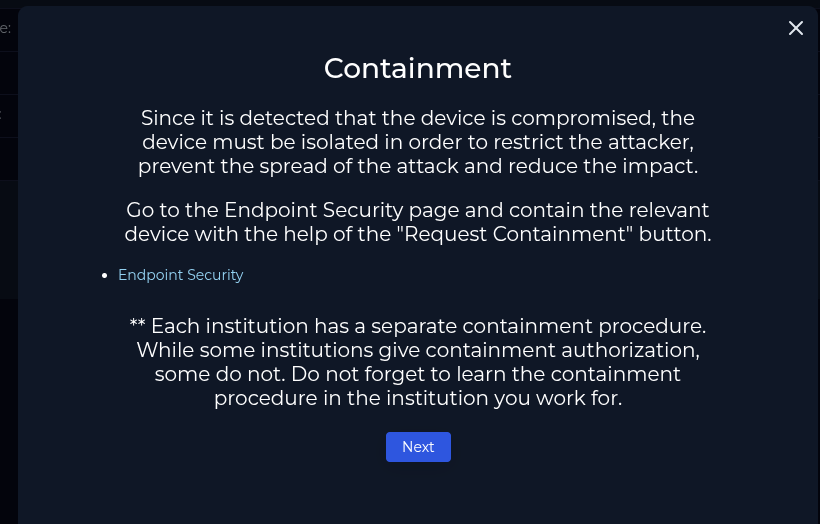
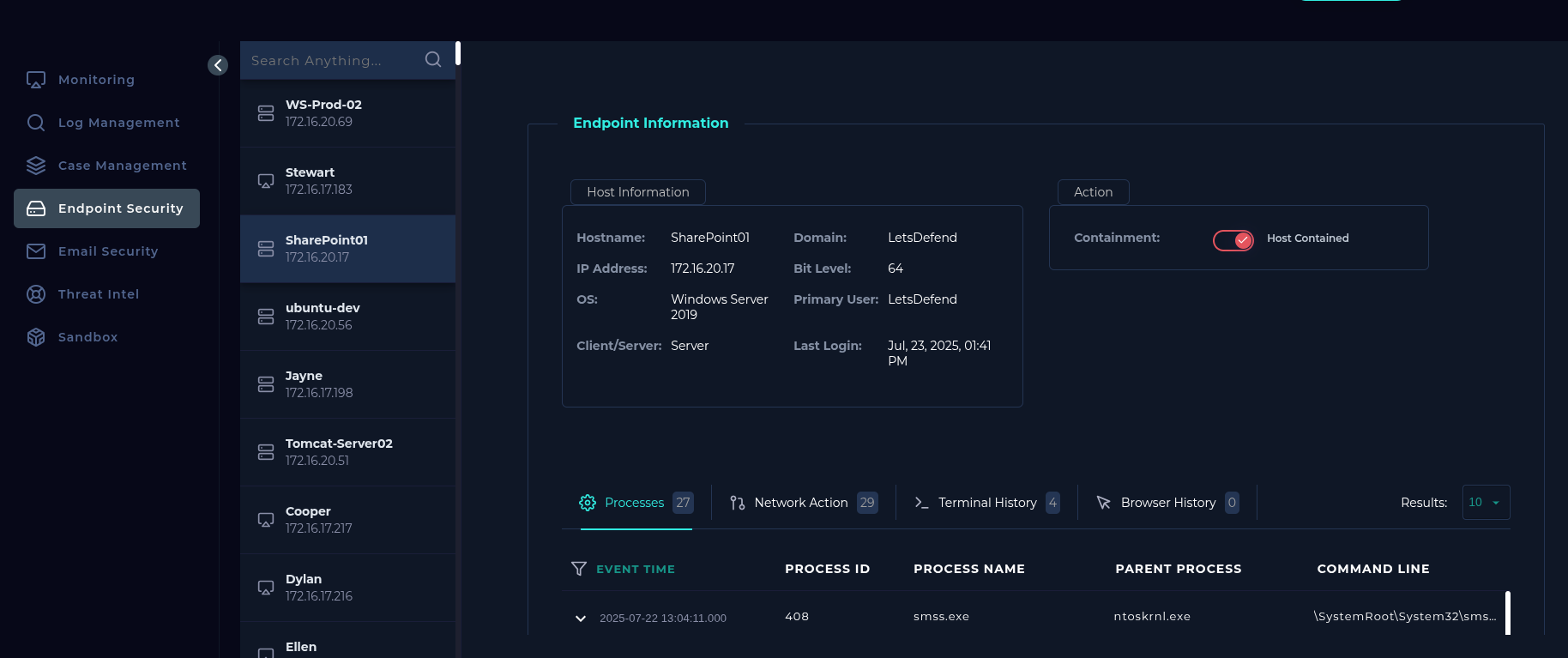
Containment comes next. Head to the Endpoint Security tab and flip the Contained toggle to keep the host from getting hammered again.
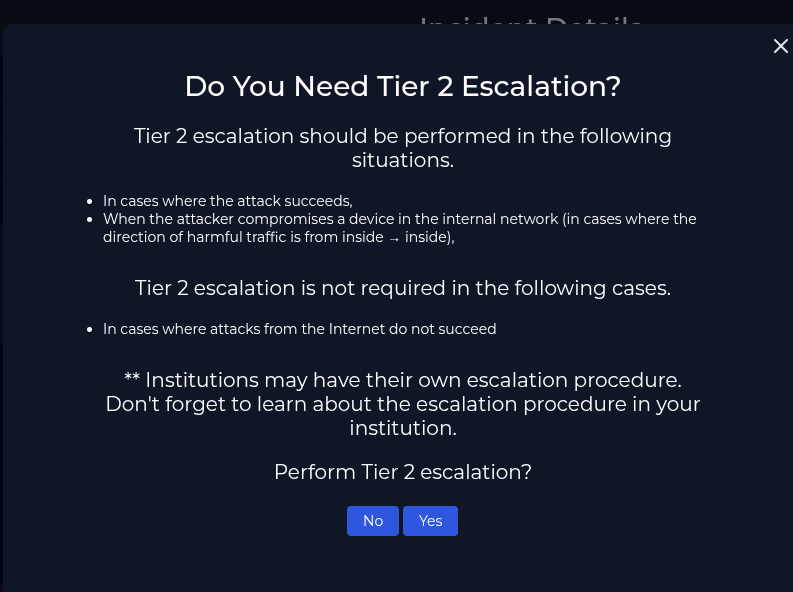
Does it need escalation? Absolutely. This is a critical alert, so escalate it without hesitation.
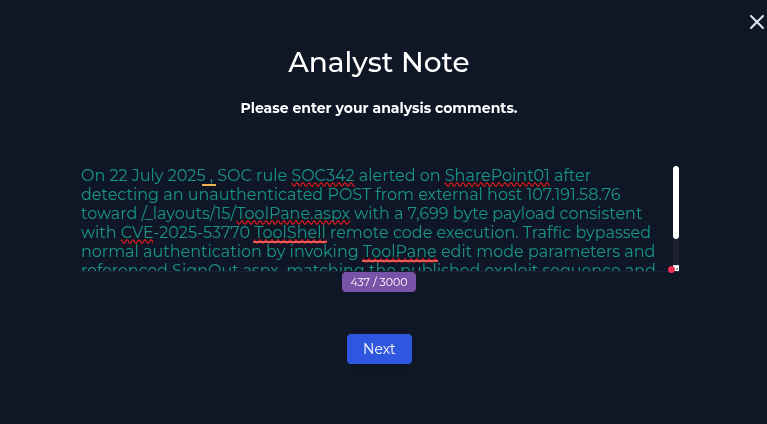
Wrap up by writing a detailed note covering every finding.
After closing, check the report to see how you scored.
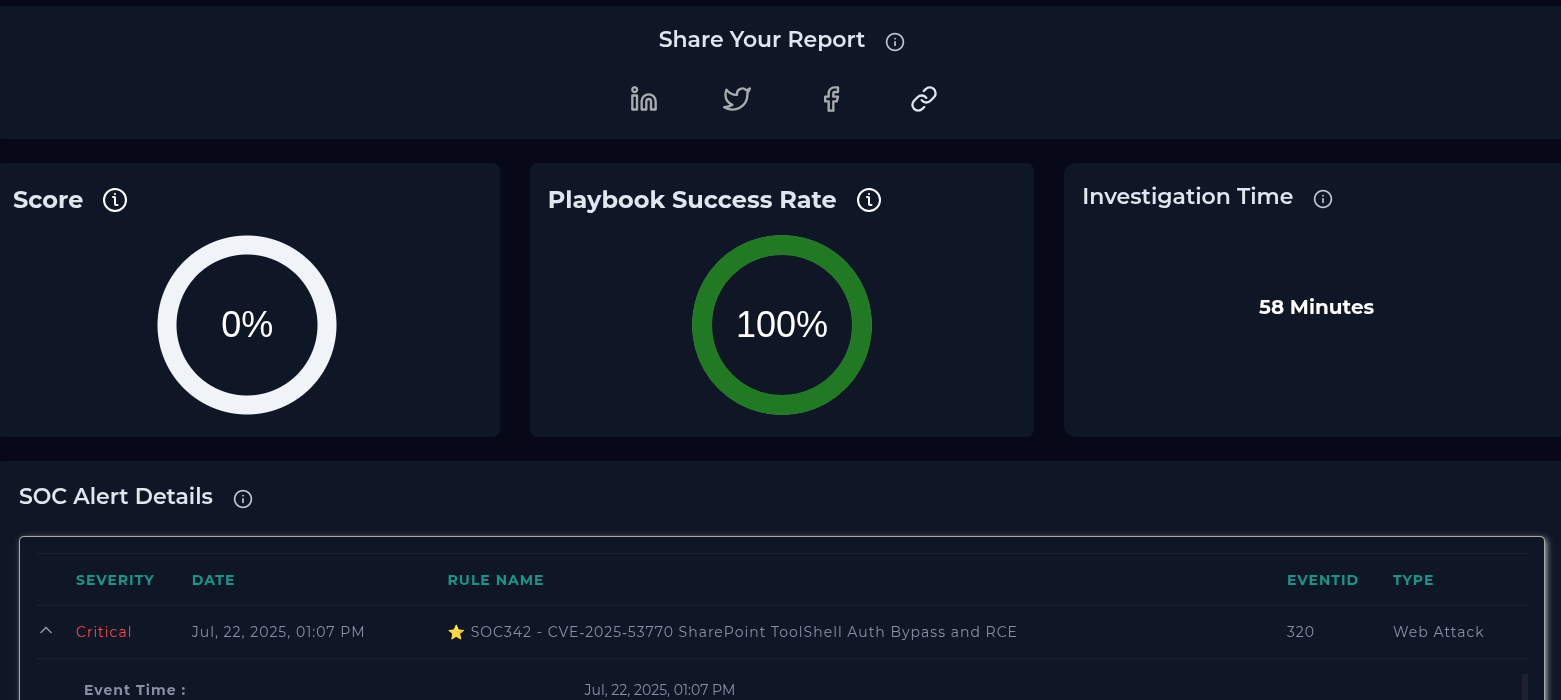
Mistakes show up in red, which makes it easy to revisit the exercise and refine your playbook.
That’s the flow. You’re not magically a SOC expert now 😅 there’s a lot more to learn but hopefully this walkthrough makes SIEM alerts less mysterious. Appreciate you reading. More blue-team write-ups on the way.
