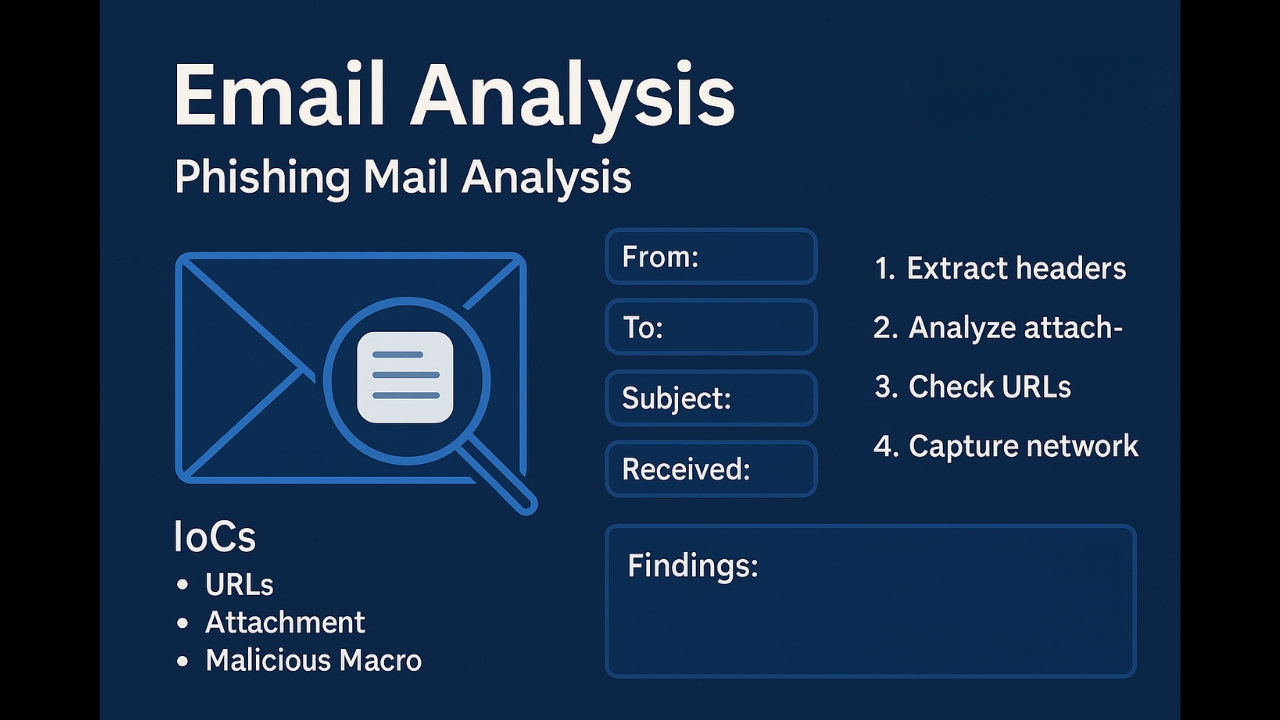
Investigate an email file (EML/MSG) to determine origin, attachments, malicious links, and whether credentials were exfiltrated.
Tools: email2eml/Outlook, ExifTool (for attachments), oletools (if Word macro), ripmime, CyberChef, sorald (for header parsing), and Wireshark/proxy logs for post-click network.
System Weakness
Step-by-step:
- Open the EML in a safe environment and extract headers (Received, Return-Path, DKIM, SPF, DMARC results).
- Extract attachments: check filetype (file) and run oletools for macros. If attachment is archive, decompress offline.
- For URLs: use CyberChef to decode obfuscation and visit only in a sandbox/browser with no credentials to capture network requests.
- Check for redirection chains and final landing page; capture host IPs and certificate details.
- Answers to lab questions usually: “Is it phishing? — Yes/No”, “Phishing URL/IOC”, “Method (credential harvest/malware)”.
Key findings (example):
- Origin header forged; SPF fail, DKIM neutral.
- Phishing URL: http[:]//bit[.]ly/xyz -> redirect -> evil-login[.]com (credential harvest).
- Attachment contained malicious macro that downloads malware.zip.
Recommended: block URL, reset impacted user passwords, enable MFA if not already.
