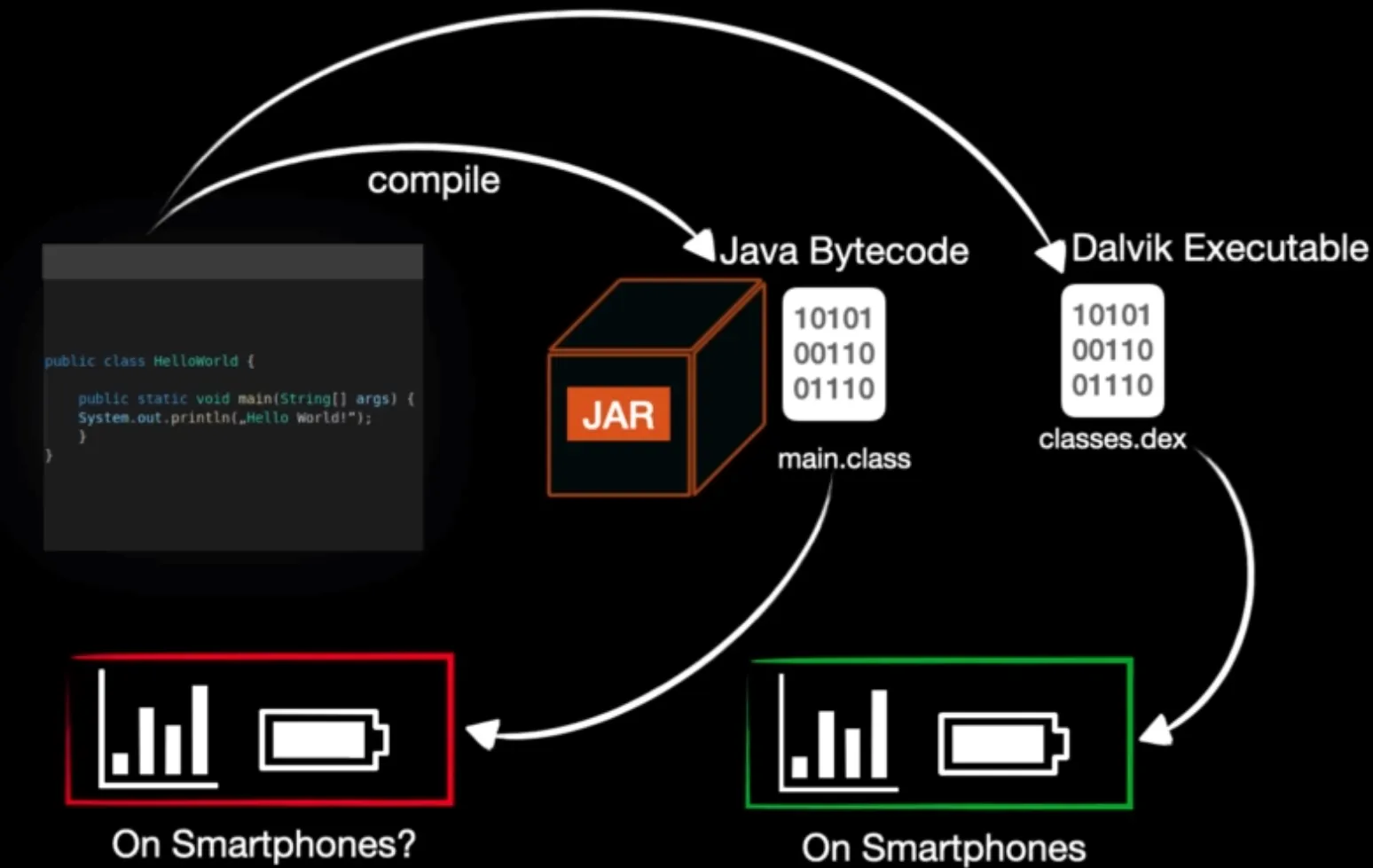
In android the native programming language for programming is Java. In our computer Java run into of Java Virtual Machine. The problem is that android devices doesn’t have resources as PCs. Therefore the android team design alternative virtual machine to run android application Java codes on it. So the Dalvik VM was born.
<aside>
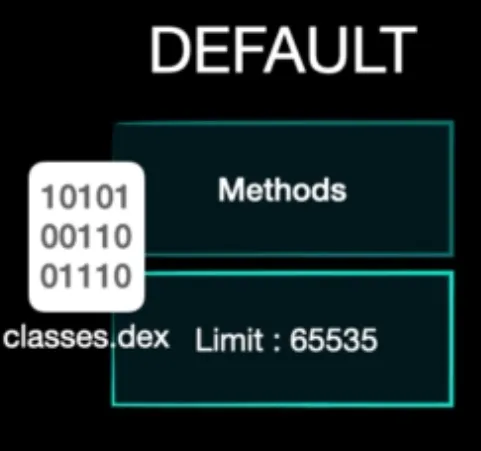
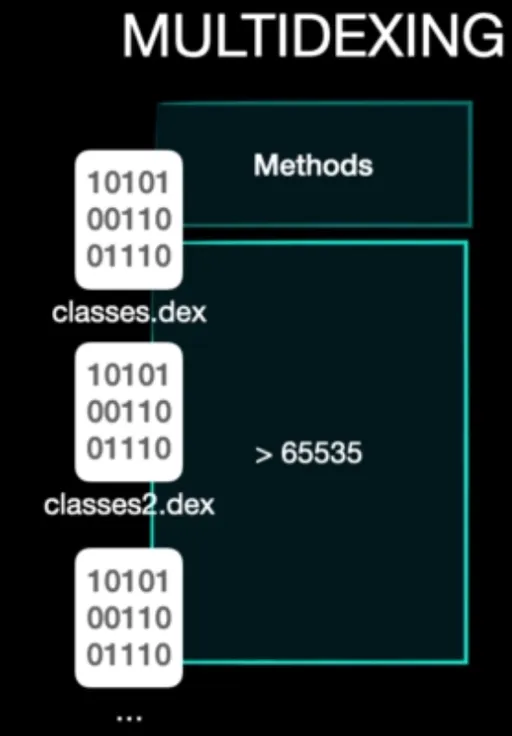
💡 classes.dex limitation:
Each classes.dex can contain 65535 method. If application has more methods the we face of multi-dexing.
</aside>
classes.dex file type
The file type classes.dex file is:

When investigate with hex editor on this file you find out it’s not compressed file and contains Java codes signature.
![File type of classes.dex files.]
File type of classes.dex files.
![Java classes used in classes.dex file. It’s represent that this file isn’t compressed.]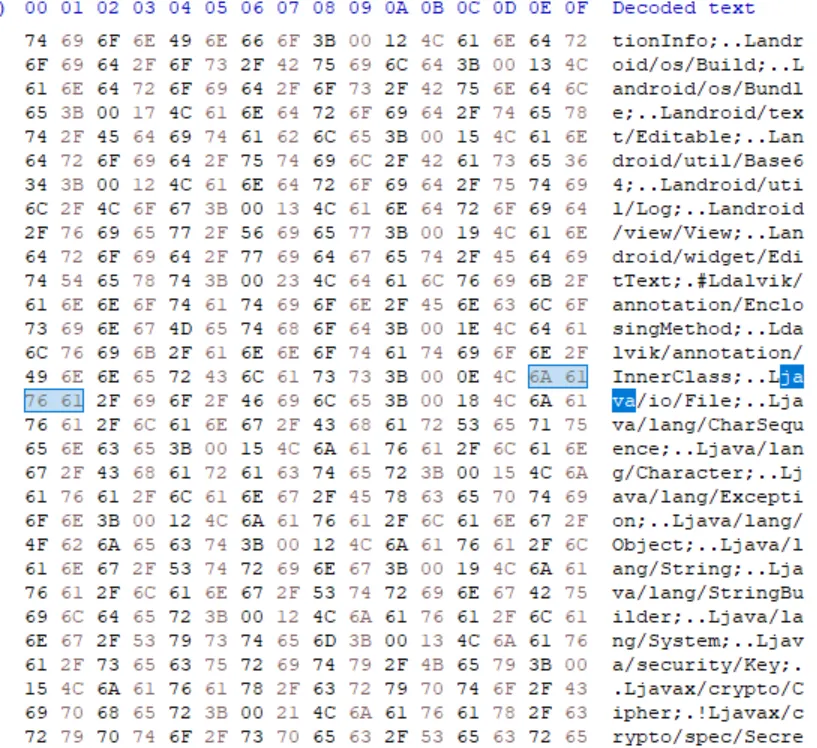
Java classes used in classes.dex file. It’s represent that this file isn’t compressed.
![You see raw strings in classes.dex file.]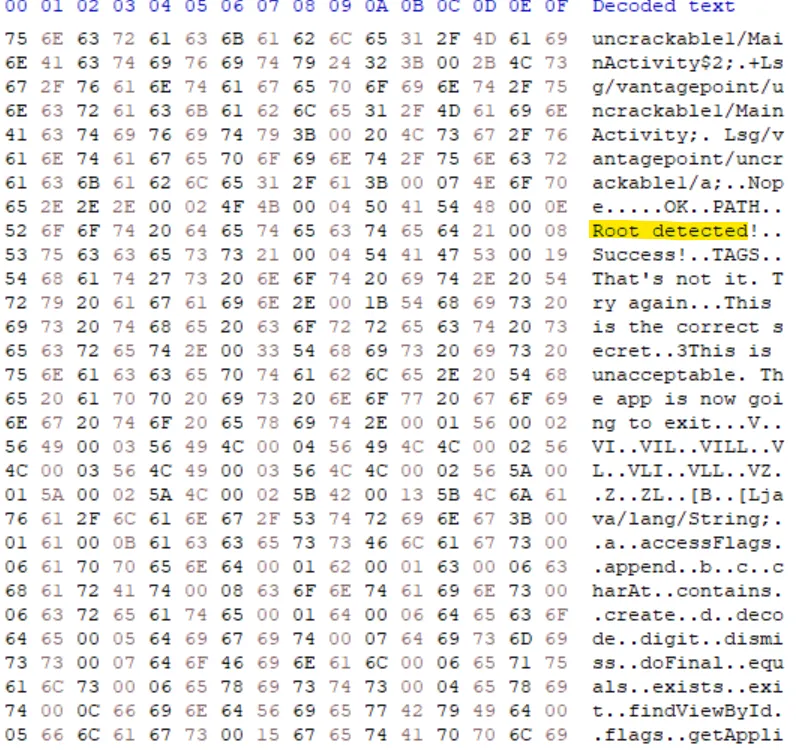
You see raw strings in classes.dex file.
To decompiling dex file we can use android studio build tool names dexdump . This tool locate on Android/Sdk/build-tools/[SDK Version].
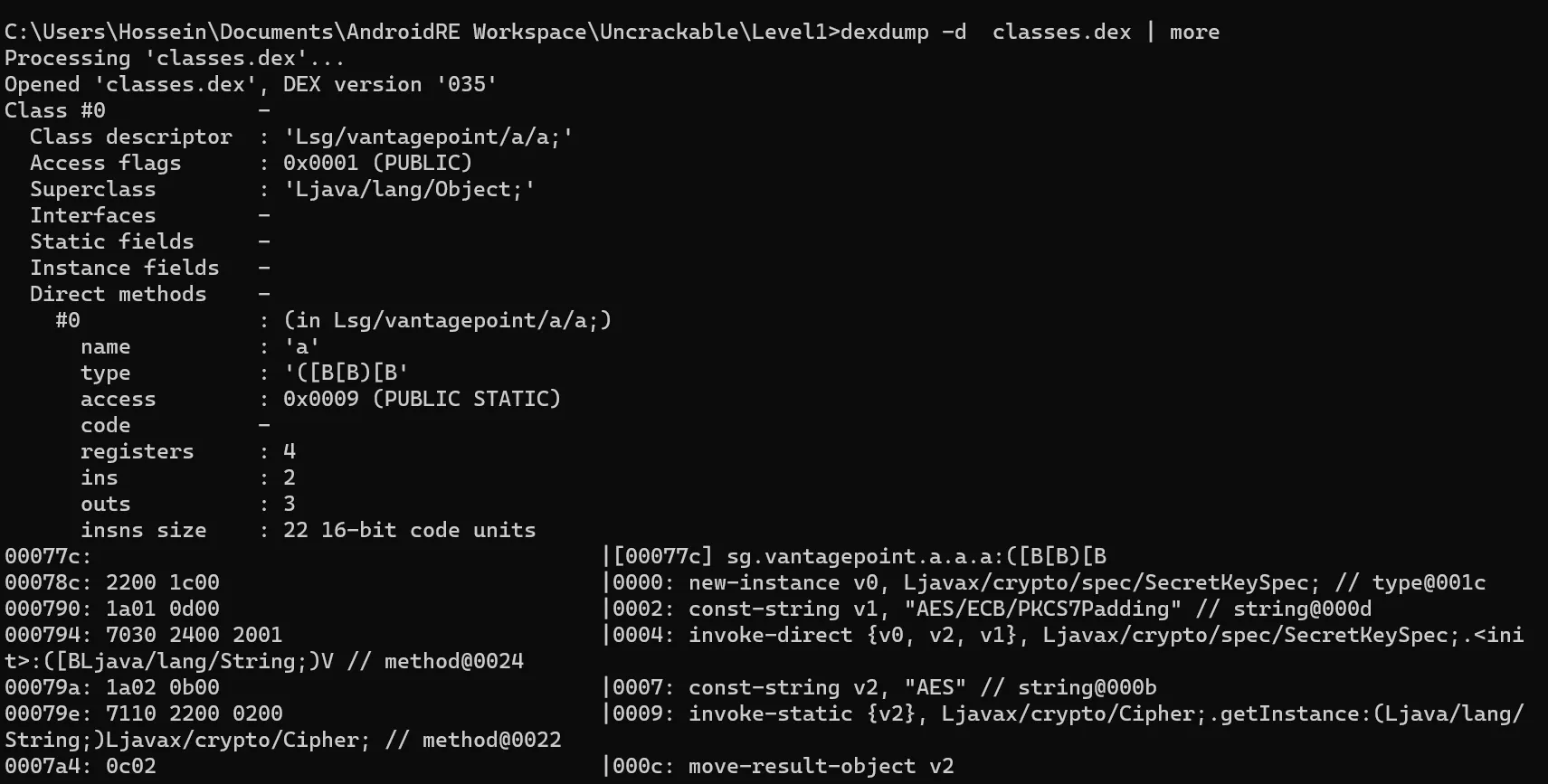
The code you see here is called Smali code which is an intermediate language between Java and Dalvik VM.
What is Odex(Optimized Dex)
It’s optimized version of dex classes. You can convert Odex to dex easily.
ODEX files are the optimized versions of .DEX files, which contain the executable code for an Android app. While DEX files generically run on all Android devices, ODEX files are optimized for the specific device on which they reside. They not only help load speed, but they also decrease the amount of space required for the app.
It’s worth noting that with the introduction of ART, which uses Ahead-of-Time (AOT) compilation rather than Just-in-Time (JIT) compilation like Dalvik, the odex file format is not as prevalent in newer versions of Android. ART compiles the entire application’s bytecode into native machine code during the installation process, eliminating the need for separate odex files.
Android Application Decompiling
To decompiling and android APK file you require to use a tool name APKTool.
Apktool - A tool for reverse engineering 3rd party, closed, binary Android apps.
To decompile follow these commands:
apktool d <APK Name>
To recompile:
apktool b <APP PATH>
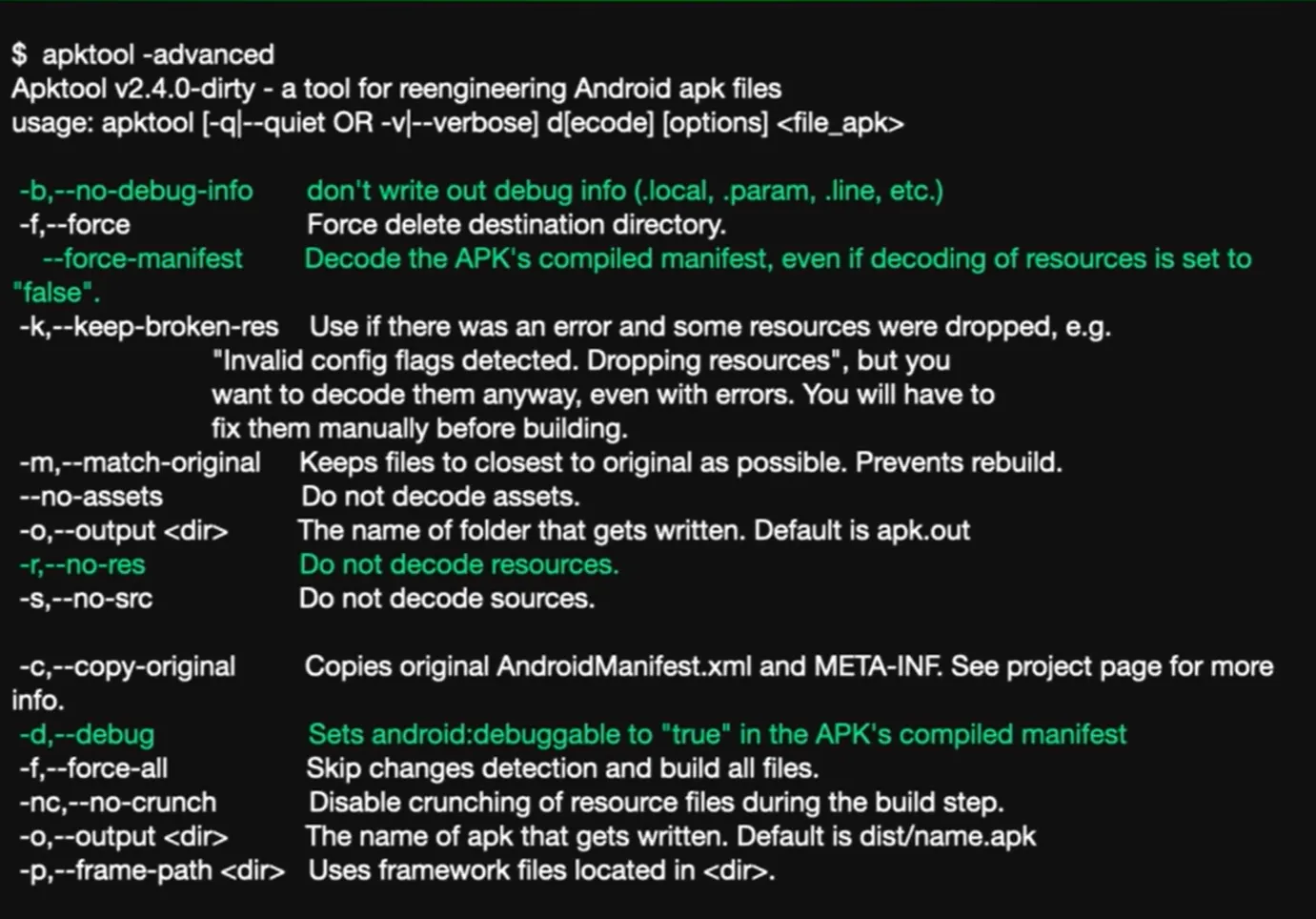
Look at some important switch of this tool:
- -r or –no-res
- With this switch
apktool does not decompile everything is in resources.arsc and AndroidManifest.xml files.
- –force-manifest
- Decode the APK’s compiled manifest, even if decoding of resources is set to “false”.
- -s or –no-src
- With this switch
apktool does not decompile classes.dex files.