Web Security is relatively a lot more beginner friendly than any other category of a CTF. It requires the understanding of Web Protocols, Internet, Browsers and how they interact with one another. In this write-up we will focus on challenges available on Hacklido’s PocketCTF range under “Web Security” category.
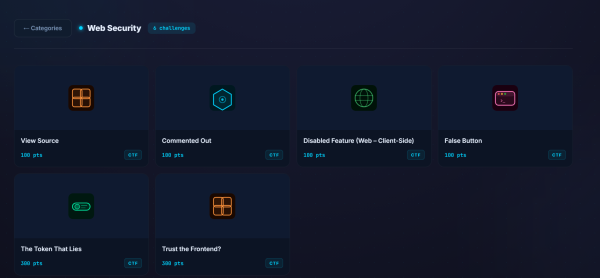
View Source (100pts)
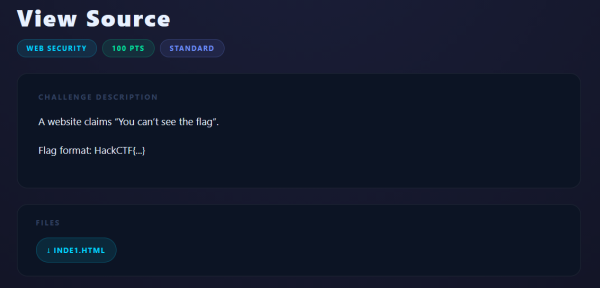
If you notice the name of this challenge, View Source gives the hint as to what we need to do in this one. Browsers allow us to easily see the raw HTML, CSS, and JavaScript code that was used to build a webpage.
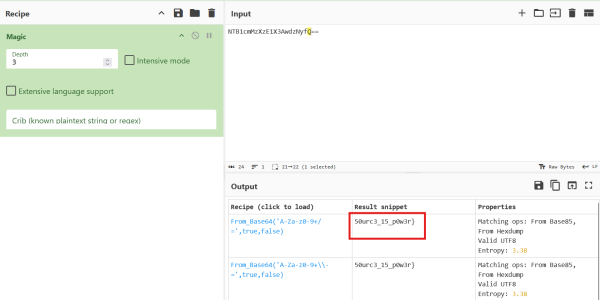
However, this challenge easily provides us with the source inde1.html file which we can open in any text editor or code editor. Below, we can see two parts of our flag, one is in plaintext and other one is encoded which we can decode using tools such as CyberChef (https://gchq.github.io/CyberChef).
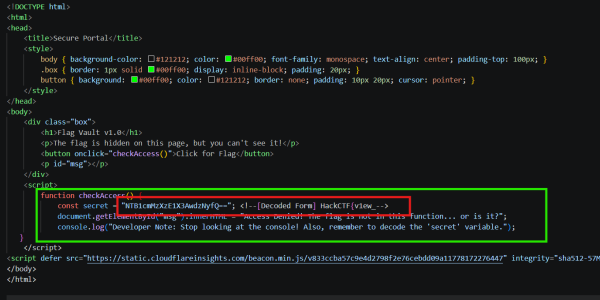
And combing those two parts will get you the complete flag for this challenge.
Commented Out (100pts)
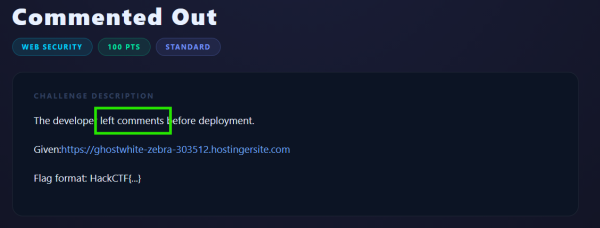
As we can see, the challenge description says that developer left some comments. Let’s check that by viewing the source. We can do so by right clicking on the page and looking for an option that says View page source.
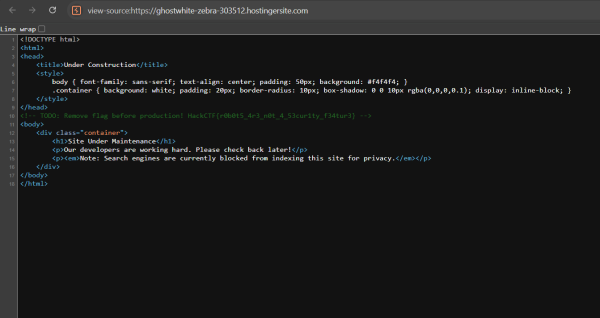
And thus, we can see the flag in the HTML comments.
Disabled Feature (100pts)
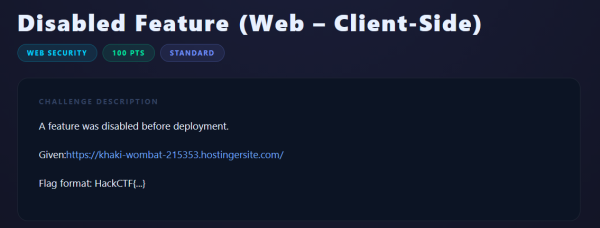
Let’s visit the given URL. And we can currently see Generate Flag button is disabled.
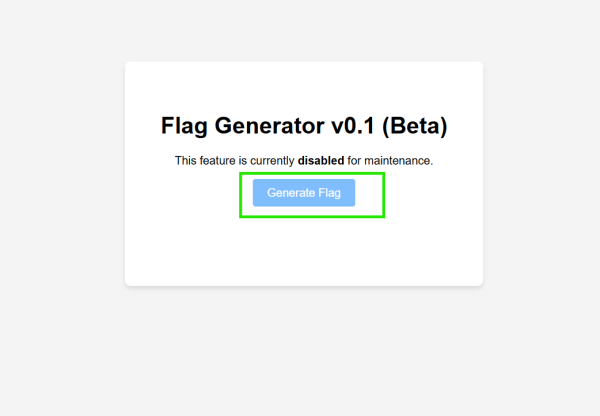
But it is not stopping us to dig deeper behind the functionality of the button. Because button’s functionality is handled on the Client Side and anything that is on the Client Side such as HTML, CSS, and Javascript is visible to the user.
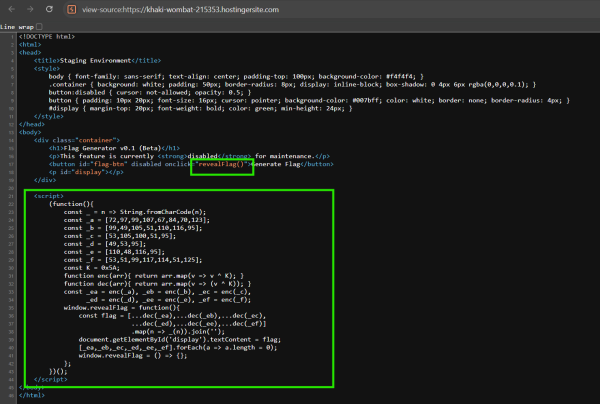
And we see, when we click on the button, it is supposed to run revealFlag() function.
Now, we can either use Browser’s Developer Tools to enable this button or simply run this function ourselves through the Browser’s Console window.
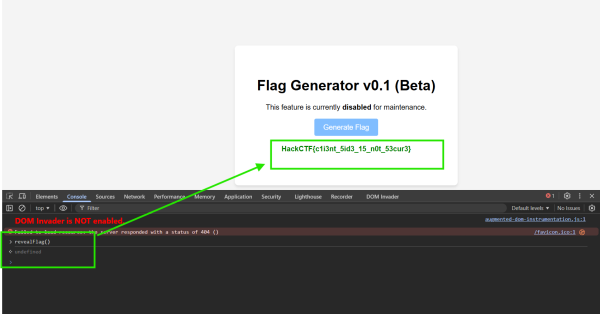
And Thus, we’ve obtained the flag.
False Button (100pts)
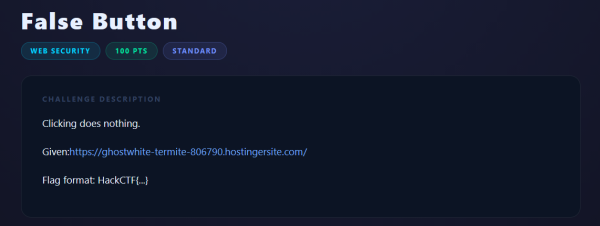
In this challenge, we are introduced with a Button that does nothing when we click on it. Again, if the logic is on the Client Side, we can easily view it and reverse it.
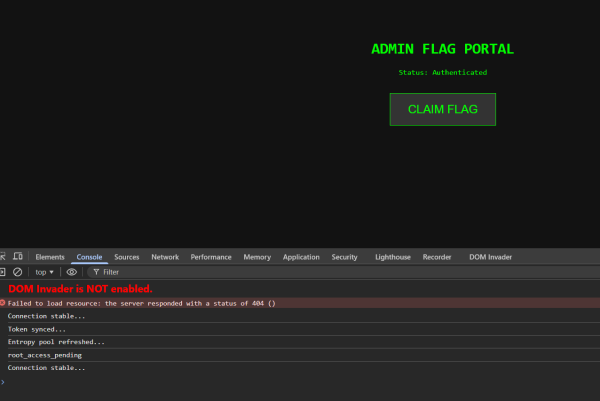
Let’s view the source -
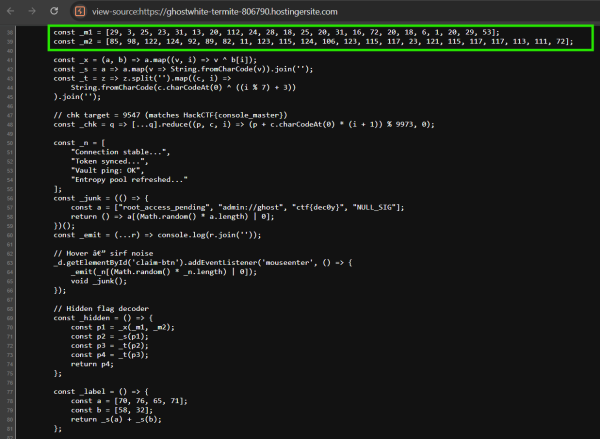
If we focus on this part of the Javascript code a little bit -
const _s = a => a.map(v => String.fromCharCode(v)).join('');
_s() function simply converts decimal to their equivalent ASCII/UTF-8 character representation.
Object.defineProperty(_w, ((() => {
const a = [97, 99, 99, 101, 115, 115];
const b = [95];
const c = [118, 97, 117, 108, 116];
const e = [95];
const f = [55, 55];
return _s(a) + _s(b) + _s(c) + _s(e) + _s(f);
})()), {
enumerable: false,
configurable: false,
Here, if you convert all the decimals present here in a, b, c and so on back to their character representation, you will find out that an Object is being created called access_vault_77(). And if you call access_vault_77() from the console.
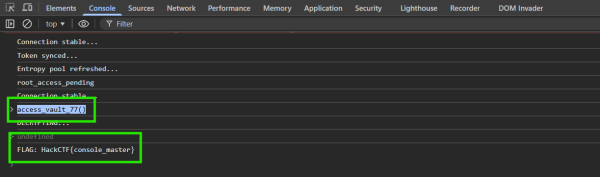
And thus, we got the flag.
The Token That Lies
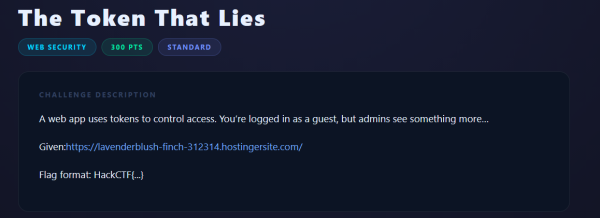
If we open the provided site -
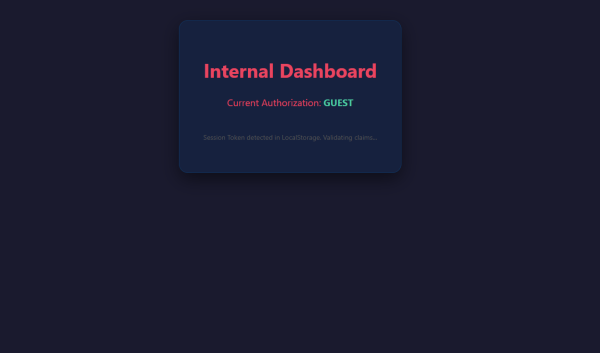
Nothing interesting at the face. Let’s view the source to see if it reveals anything.
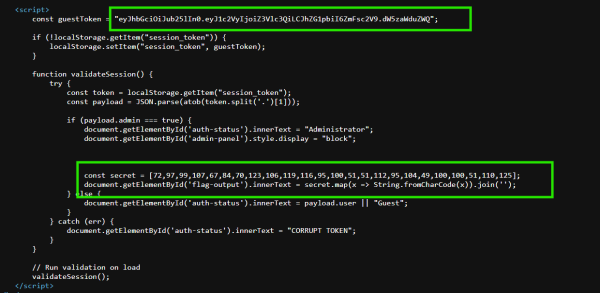
We see that there’s a JWT token but right below it in subsequent logic, we find that we have the flag hardcoded in the client-side itself and if we execute it in the console.
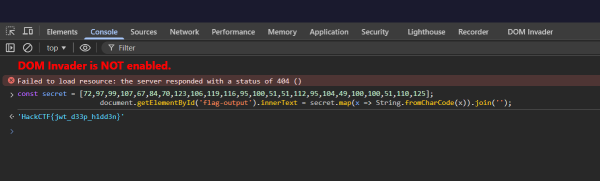
And so, we have the flag.
Trust the Frontend?
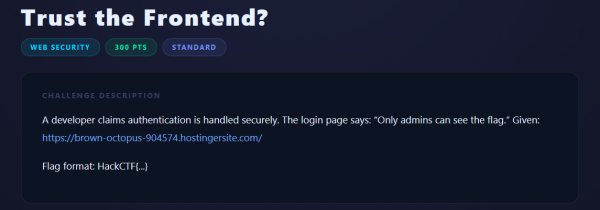
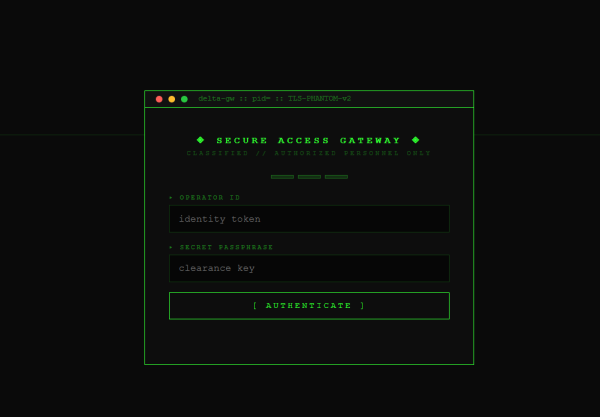
As we can see, nothing interesting on the homepage -
Let’s view the source again -
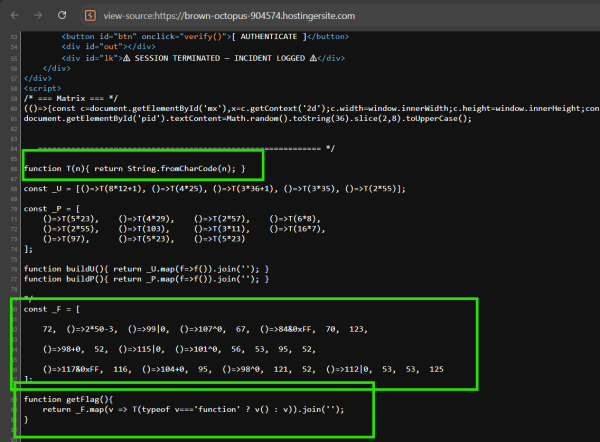
And above, we see the getFlag() function, we can copy those three blocks and run it ourselves to get the flag bypassing any need for interaction -
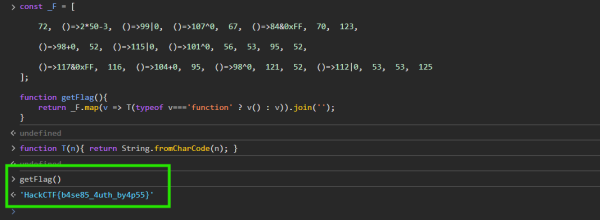
And thus, we got the flag.
Thank you reading this far 💟.
Tags
#WRAP
